Figma plugin
Want to use Health Icons on your next design project? Find them and add them to your designs without leaving Figma.
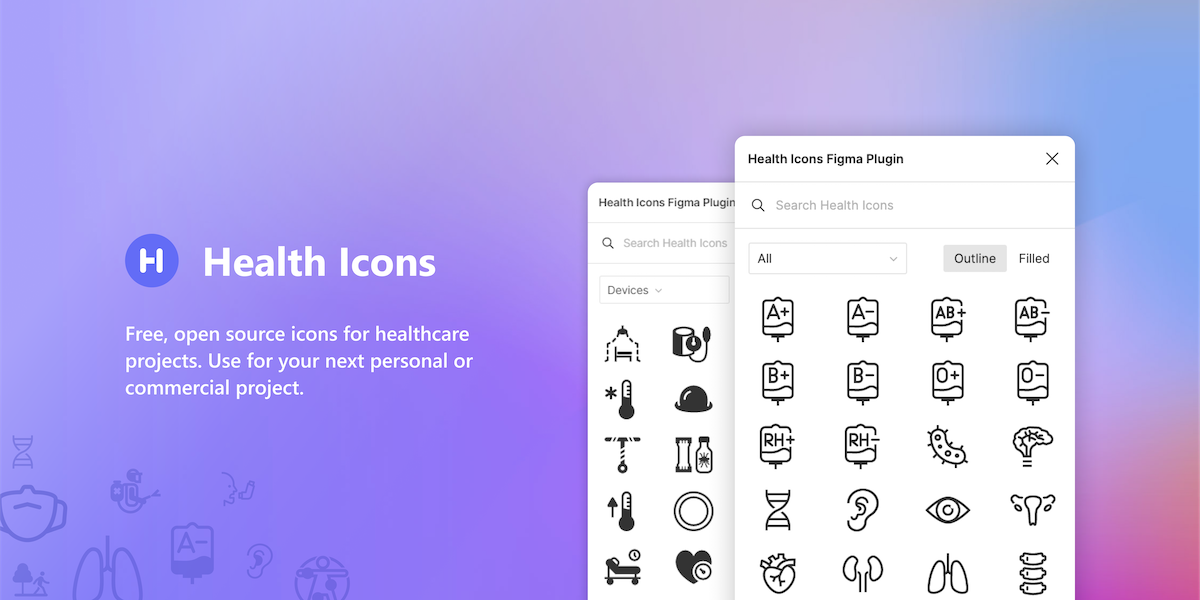
Tekeste Kidanu has made a very slick Figma plugin to make the icons super easy to find and include.
How to use the plugin
Open it in Figma
Go to the Health Icons plugin on Figma Community and click Open in… to try it in one of your design files. Click Save too, to keep it in your plugins for next time.
Run it from any file
In a Figma design file, open the Actions menu (⌘K on a Mac, Ctrl+K on Windows), search for “Health Icons” and pick the plugin. It’s also in the main menu under Plugins.
Add icons
Search for an icon or choose a category, pick the outline or filled style, and click an icon to add it to your design. The icons are vectors, so you can resize and recolor them like any other shape.